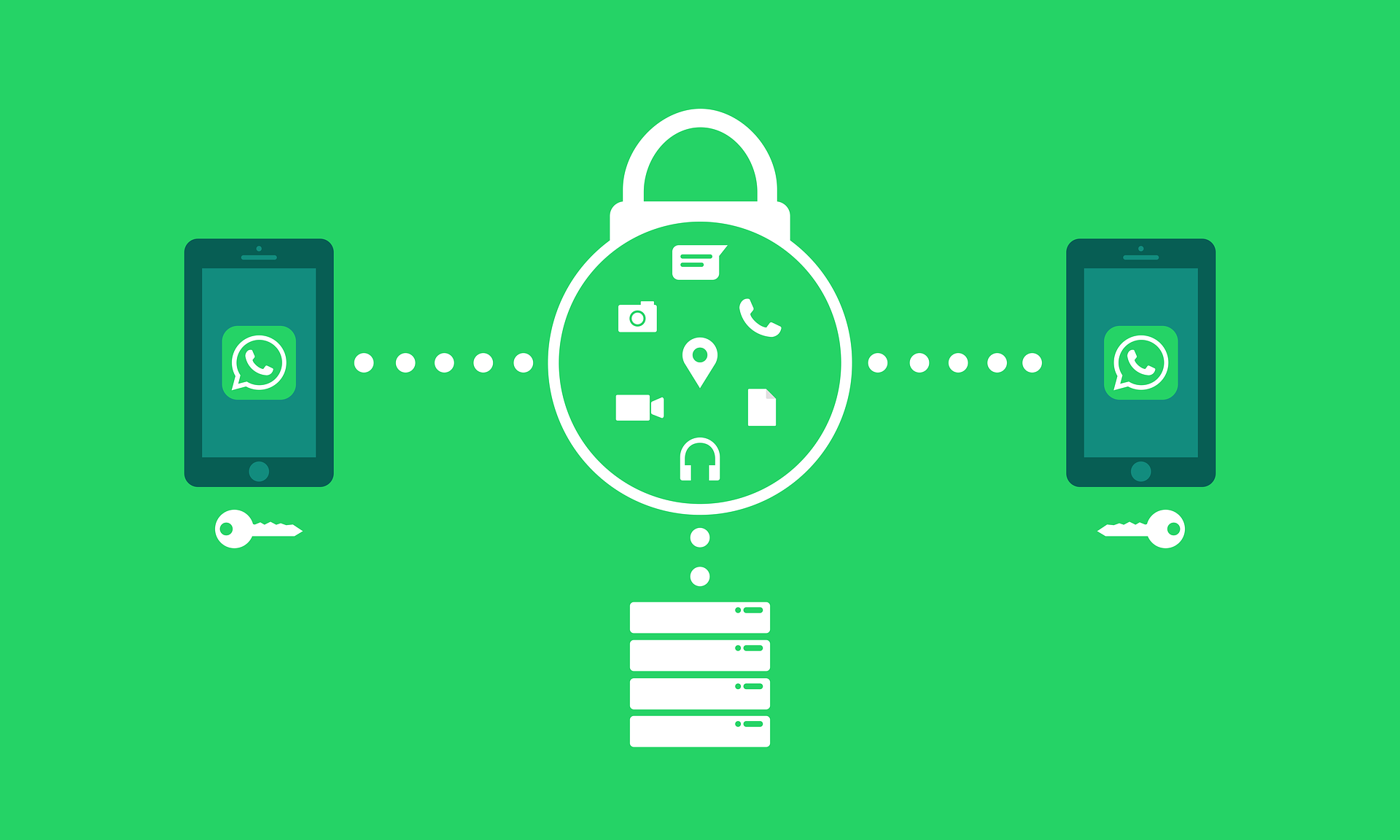
In today’s digital age, WhatsApp has become more than just a messaging app. It is used for personal communication, business negotiations, learning, and other academic activities. However, while it simplifies communication, it can also expose personal data to hackers, who may steal identities or access private information.
Here are practical steps to secure your WhatsApp account:
1. Enable Two-Step Verification
Two-Step Verification (2SV) adds an extra layer of security by requiring a PIN in addition to the usual SMS code when setting up WhatsApp on a new device. Even if a hacker obtains your phone number, this feature prevents unauthorized access.
How to activate: Settings → Account → Two-Step Verification.
2. Be Cautious with Links and Messages
Hackers often use fake job offers, prize notifications, or other misleading messages to steal personal data. Avoid clicking on suspicious links, even if they appear to come from someone you know.
3. Use Biometric Locks and Passkeys
WhatsApp supports fingerprint and facial recognition, as well as passkeys, to prevent unauthorized access.
How to activate: Settings → Privacy → Screen Lock. Passkeys can be set in Account settings.
4. Monitor Linked Devices
WhatsApp Web and desktop sessions remain active until manually signed out. Regularly review linked devices in Settings and log out of any you don’t recognize to prevent unauthorized monitoring.
5. Keep WhatsApp and Your Phone Updated
Hackers exploit vulnerabilities in outdated software. Always update WhatsApp and your phone’s operating system from official sources like Google Play Store or Apple App Store to stay protected.
6. Protect Your Privacy
Limit who can see your profile information, such as your last seen, profile picture, and status. Sharing too much personal information can make you a target for hackers.
By following these steps, users can significantly reduce the risk of having their WhatsApp accounts compromised and enjoy safer digital communication.



Leave a Reply