Microsoft has issued an emergency hotfix to resolve a critical bug in Windows 11 that left some PCs unable to boot following the May 2025 security update.
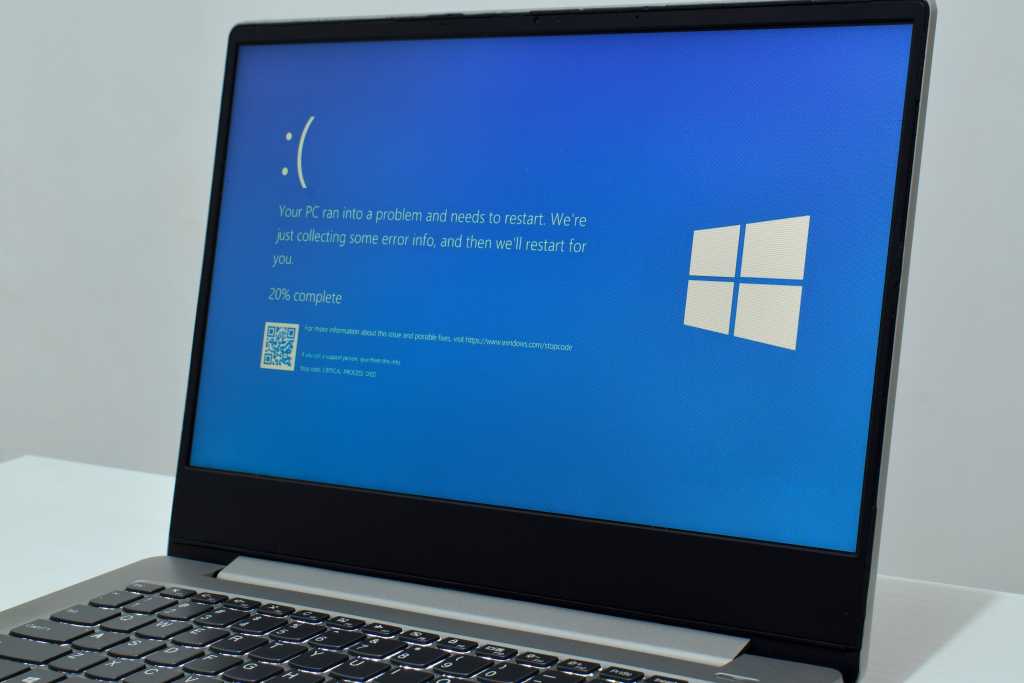
The problem surfaced after the rollout of cumulative update KB5058405, which caused certain Windows 11 machines—primarily in virtualized enterprise environments—to crash with the error code 0xc0000098, accompanied by a message citing a missing or corrupted ACPI.sys file.
The error screen read:
“Your PC/Device needs to be repaired. The operating system couldn’t be loaded because a required file is missing or contains errors.
File: ACPI.sys
Error code: 0xc0000098”
In response, Microsoft released a hotfix, KB5062170, which is now available via the Microsoft Update Catalog.
The company emphasized that the issue is largely confined to virtual environments, such as Azure Virtual Machines, Azure Virtual Desktop, and on-premises VMs managed through platforms like Citrix and Hyper-V. Devices running Windows 11 Home or Pro editions in personal use scenarios appear to be unaffected.
The ACPI.sys file is critical for managing power states and hardware interfaces during boot-up. Corruption of this driver can prevent Windows from loading entirely.
Microsoft advised enterprise IT administrators managing affected systems to manually install KB5062170 on impacted machines. Those using Azure services are encouraged to run Azure Virtual Machine repair commands. Notably, systems that installed KB5058405 without any startup issues do not require the hotfix.
This latest incident highlights the complexities of deploying system updates in large-scale environments and reinforces the importance of testing updates in controlled scenarios before broad implementation.
Administrators are advised to remain cautious and to monitor further communications from Microsoft for any related developments or long-term fixes.



Leave a Reply